Speech to Text app icon
Voice recorder and transcription app

Speech to Text

Turn voice recordings into clean, searchable text.

Speech to Text helps you capture meetings, interviews, lectures, personal ideas, and work notes. Record once, then keep everything transcribed, organized, and easy to reuse.

Download on the App Store Get it on Google Play
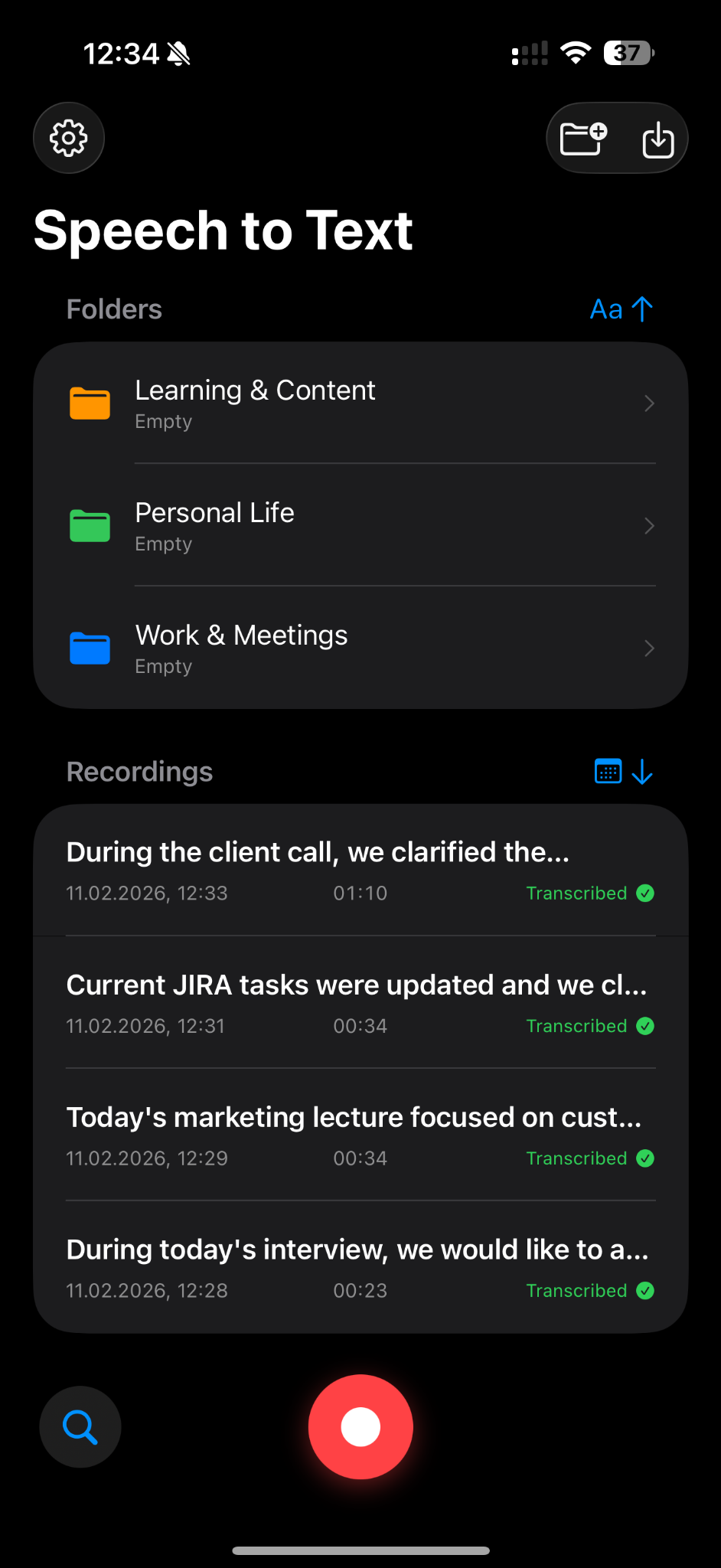
Speech to Text mobile app interface screenshot

Your recordings become useful when you can read, search, and share them.

Stop losing insights inside audio files. Speech to Text gives your recordings a clear structure so you can come back to the right idea faster.

Fast transcription

Convert recordings into readable text for work, study, or personal notes.
Folders for context

Organize recordings into work, learning, and personal categories.

Searchable archive

Find old ideas, meeting notes, or lecture content faster.

Simple recorder flow

Open the app, record, and keep the transcript in one place.

For work callsCreate useful notes after meetings.
For studentsTranscribe lectures and study from text.
For creatorsTurn spoken ideas into drafts and outlines.
Why users choose it

Designed to deliver value from the first launch.

Save meeting notes
Capture the conversation without typing during the call.
Reuse content faster
Turn lectures, interviews, and voice notes into text you can edit.
Stay organized
Keep every recording in the right folder from day one.
Mobile-first

Clean interface. Clear purpose. Fast start.

The app is built around a single high-value daily action, so users can understand it quickly and return without friction.

Easy onboarding
No complex setup before the first useful action.
Focused UX
The main screen makes the next step obvious.
Built for daily use
Short sessions and simple flows support repeat behavior.

Record once. Read it forever.

Download the app and try the core flow in less than a minute.

Download on the App Store Get it on Google Play